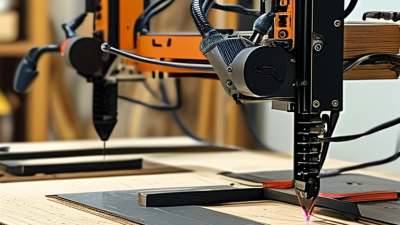
Minimal Space. Maximum Impact! Designed for when every millimeter matters> the new IRONLESS UNANO SERIES

Semiconductors
Increase throughput and precision of your system
Display
Enhance accuracy and precision with linear motors
Science and aerospace
Improve motion quality for a variety of applications
Machine tooling
Robust solutions for increased speed and precision
Digital cutting
Create modular and high throughput applications
Printing
Increase printing speed and quality using linear motors
Robotics
Integrate compact solutions for guaranteed uptime and high dynamics
Life science
Establish precise and clean integrated solutions
Woodworking
Maximize performance and accuracy for high throughput
Stages and system solutions
Compact integration and high performance for your axis
Vacuum applications
Best performance for clean and vacuum applications
Characteristics
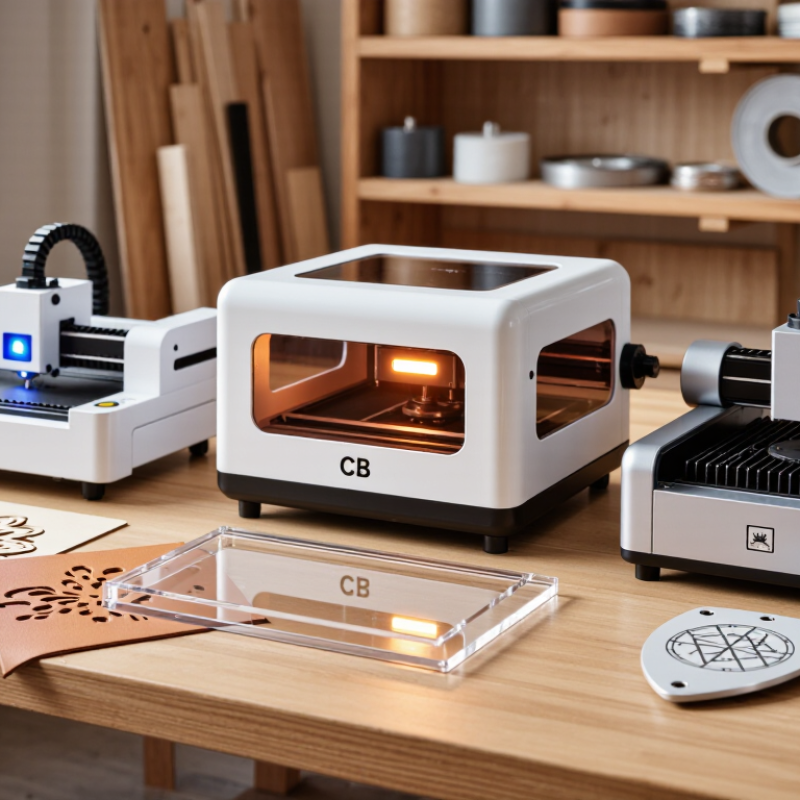
Choosing the best small laser cutter starts with the material on your workbench, not the biggest wattage number on a product page. A diode machine may suit paper, leather, and thin wood; a CO₂ model can handle a broader range of nonmetallic materials; fiber systems are designed mainly for marking and processing metals. The differences matter. A pale plywood sheet, a strip of acrylic, and a metal tag each demand different capabilities.
Industry figures show why these machines attract growing attention, but they need careful interpretation. Fortune Business Insights valued the global laser-cutting-machine market at US$6.21 billion in 2023 and projected US$10.22 billion by 2032. That report covers industrial equipment, not just desktop devices. It signals wider adoption, not proof that every small laser cutter is suitable for home or studio use. John Powell, author of CO2 Laser Cutting, offers a useful principle in his published work: choose the laser process around the material and required cut. In practice, that means checking work area, usable power, ventilation needs, and the manufacturer’s material guidance.
Small details count. A 3 mm sheet may fit the advertised bed but still need careful positioning and multiple passes. Noise, fumes, software, and replacement parts also shape daily use. The market is confusing. Product labels can blur important differences, and published specifications rarely capture every real-world result. This guide compares diode, CO₂, and fiber options, then explains which users each type may serve best—and where the trade-offs deserve a second look.
Diode laser cutters are a practical choice for small wood projects, leather details, and light-duty engraving. Their compact frames fit a workbench, while simple controls make repeat jobs easier. They can mark plywood tags, personalize a notebook cover, or add fine lines to a small sign. Thin, flat stock usually gives the most predictable results. Dense wood may engrave slowly, and cutting depth depends on the material and machine output.
Tips: Test settings on an offcut first. Check focus, secure the material, and use ventilation. Keep the machine attended, since laser work can start a fire. Wear eye protection suited to the laser’s wavelength, and avoid unknown plastics or coated materials.
Leather can produce crisp names and patterns, but its composition matters. Natural leather is generally easier to assess than synthetic leather, which may contain unsuitable coatings. Check material guidance before processing anything unfamiliar. A small test patch helps reveal scorching, uneven color, or unwanted odor. Diode lasers are not ideal for every cutting task; thick stock and fast production may call for another tool. Even with familiar wood, settings can shift between sheets. A little trial and error is normal.
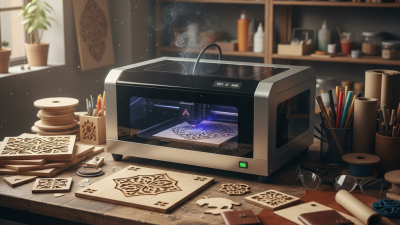
Compact CO₂ laser cutters suit workshops that need clean cuts in acrylic without dedicating a large floor area. They can also process some other nonmetals, such as wood, paper, and certain fabrics, when the machine and material are compatible. Acrylic edges can look smooth and glossy, but results vary with sheet type, thickness, focus, and settings. Test a small offcut before committing to a full sheet. Small machines still need proper ventilation and active fire supervision.
When comparing cutters, check the usable bed size, exhaust setup, and material clearance—not just the advertised power. A sheet that barely fits can be awkward to position, especially when making repeated parts. Cast acrylic often produces clear engraving contrast, while cut quality depends on the grade and settings. One trade-off is easy to overlook: a compact footprint may mean slower work or more careful alignment. I would not assume every plastic is laser-safe; avoid PVC and unidentified materials, and follow the machine’s material guidance.
Tips: Keep scrap pieces for test cuts. Clean the lens as directed, secure the sheet flat, and watch the cut throughout operation. If the edge looks melted or uneven, pause and review focus, airflow, and settings rather than simply increasing power.
Small fiber laser cutters suit metal marking and engraving because their near-infrared beam, commonly around 1,064 nm, couples effectively with many metals. A compact 20–50 W system can mark serial numbers, fine text, and shallow graphics on stainless steel or anodized aluminum. The 2024 Grand View Research analysis of the laser-marking market identifies industrial identification and traceability as important applications. That demand makes repeatable, readable marks more valuable than maximum cutting speed.
For small workshops, compare the usable work area, pulse settings, focus adjustment, and extraction—not just rated power. A tight focal spot can produce crisp lines on a small steel tag, but poor focus may leave letters uneven. Fiber systems generally excel at marking and engraving; they are not a substitute for every kind of sheet-metal cutting machine. The boundary is easy to overlook. Results also vary with alloy, coating, and surface finish, so test the actual part before setting a production recipe.
Tips: Start with a clean, flat sample and change one setting at a time. Keep a record of speed, power, and frequency. Check the mark under ordinary room lighting, not only beneath the machine’s bright work light. One caveat: vendor-neutral market reports describe broad demand, not guaranteed performance for a particular material or job.
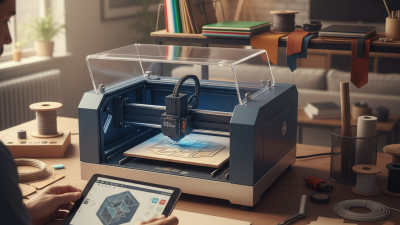
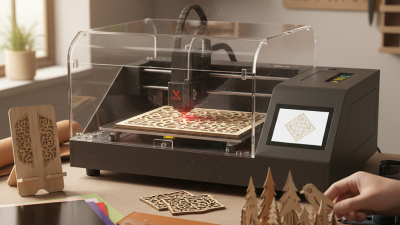
Small laser cutters usually come in enclosed or open-frame designs. An enclosure surrounds the work area with panels and a lid, helping contain light, smoke, and loose debris. Many models include a lid interlock that pauses operation when opened. Check the actual safety features, though; an enclosure alone does not remove the need for suitable ventilation. Fit matters.
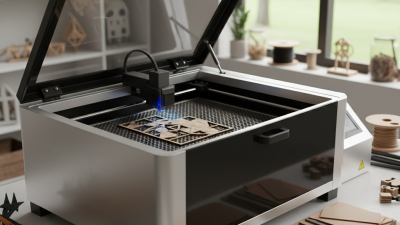
An open-frame cutter leaves the work area accessible from several sides. This can make loading wider sheets or positioning irregular objects easier, especially in a cramped workshop. It also means the beam path is less physically contained, so the operator must manage access carefully and use appropriate protective equipment. A stray reflection from a shiny surface is not something to shrug off.
The enclosed style often suits a shared room, where a closed lid can reduce accidental contact and keep dust away from moving parts. Its footprint may be larger, and smoke extraction still needs thoughtful setup. Open-frame designs can be simpler to inspect and may offer more loading flexibility, but nearby people and pets need to stay clear during operation. I would compare usable cutting area, exhaust connections, and material compatibility before choosing. Small machines vary more than their photos suggest, and a tidy setup can still have awkward maintenance access.
Choosing a small laser cutter starts with the materials you use most. Compact diode machines suit engraving and cutting thin, opaque wood, paper, and leather. They may struggle with clear acrylic. Small CO2 cutters handle wood, acrylic, and leather more effectively, but need space for ventilation and cooling equipment. Fiber machines are mainly suited to marking metal; they are less versatile for common craft materials. Check material compatibility before comparing power ratings.
Measure your actual work area, including room for the lid to open, cables, and an exhaust hose. A machine that fits on a desk may still be awkward to operate. Ventilation matters. So does a stable, nonflammable surface. An enclosure can help contain fumes and stray light, but it does not replace suitable exhaust. Keep a clear view of the work while cutting, and never leave a running machine unattended. I would not choose by wattage alone. Published figures do not tell you how cleanly a cutter handles your material, and I’ve seen that distinction overlooked. Test a small sample first. Check the bed size against your largest usual piece, not just your smallest projects. Your needs may change.
Wavelength is one factor in how a laser interacts with materials. These are representative wavelengths for common laser types.
Blue diode lasers commonly work with wood and some opaque materials; CO₂ lasers are often chosen for wood and acrylic; fiber lasers are commonly used to mark metals. Wavelength alone does not determine cutting ability—power, optics, material, and machine design also matter. Check the machine’s specifications and material guidance before buying.